Canva or Tov.events invitations: what really changes
A design tool and an invitation tool do different jobs: what we know about Tov, and what we did not verify about Canva.
On this page
Scope
Canva and Tov are not true competitors: you compose a visual with one, and you track an event’s replies with the other. This guide compares uses, not design quality. It is written by the Tov team, which makes one of the two tools, so we are not neutral.
What we checked (and when)
- Tov, the state of the beta on September 30, 2026, taken from the product itself.
- Canva: we tried to reread its public pages on September 30, 2026, and access was refused to our tool. Nothing below about Canva is therefore verified at that date.
Table of criteria
Each line reads: Tov, then Canva. “Not verified” means we could not confirm it on Canva’s public page.
- Guest replies. Tov: replies by household and by moment, CSV export. Canva: not verified.
- Sharing. Tov: one personal link per household, sent through WhatsApp (wa.me); you confirm each send. Canva: not verified.
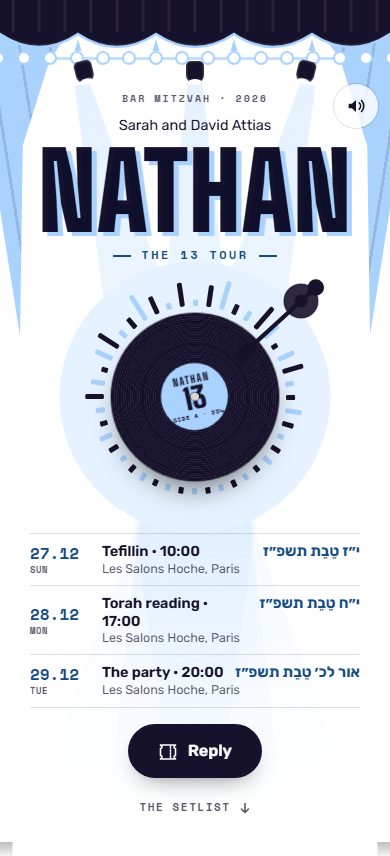
- Hebrew right to left, Hebrew fonts. Tov: yes. Canva: not verified.
- Language of each household (French, English, Hebrew, Spanish). Tov: yes, chosen household by household. Canva: not verified.
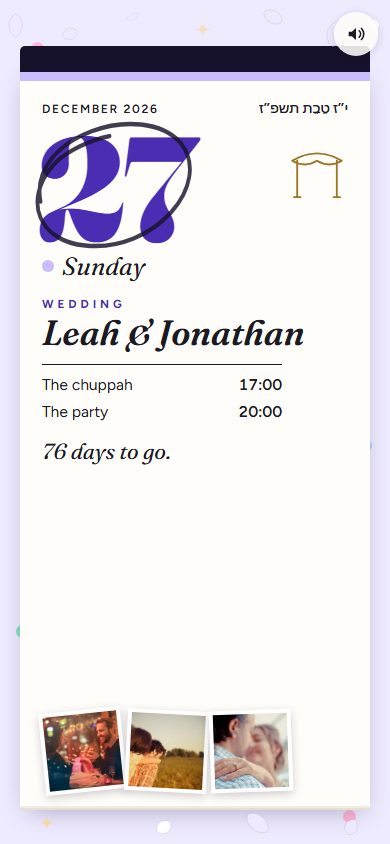
- Editing after sending. Tov: the invitation is a web page that shows the current version when a guest reopens their link; Tov does not notify guests, so write to them about any important change. Canva: not verified.
- Price. Tov: free during the beta. Canva: not verified.
What we did not verify
- Everything about Canva: Hebrew, guest replies, sharing, price, and how any of it has changed since. Check it in your own account, with the text of your invitation.
- What Tov does not offer during the beta: seating chart, automatic sending to guests, printing of cards.
Who Tov is for, and who is better served by Canva
Canva is a good choice if you want to compose an image, a save-the-date or printed keepsake cards yourself, with a freedom of layout that Tov does not try to offer. Tov is for people who mainly want to collect replies by household and by moment, in several languages including Hebrew, with WhatsApp sharing.
The two do not rule each other out: the invitation and its replies on Tov, and a few paper cards composed in the tool of your choice for grandparents and witnesses.
- Last checked
About — Written by the Tov.events team, who build the tools Jewish families — Sephardic, Ashkenazi, Mizrahi, secular — use for their simchas.
What’s next?
One invitation per household, sent on WhatsApp.
In 4 languages, with the Hebrew date and the replies followed live.
Related reading
- Comparison
Paper or digital invitations: 4 criteria to choose
Paper keeps its charm, digital simplifies tracking. The four questions to ask before choosing, and what we do not put a number on.
- Tips
5 Mistakes to Avoid on a Digital Invitation
You’ve sent the invitation. Now pray none of these 5 things happen to you.
- Comparison
Tov.events, Joy or The Knot: choosing for a Jewish wedding
Pricing, languages and guest replies: what we checked, on which date, and what is left for you to test.